



Microsoft just threw a curveball at Windows 11 users, and you might’ve already noticed it if you tried checking your disk space recently.
The company quietly rolled out a change that now requires administrator privileges just to open Storage settings, yes, the same page you used to click into without thinking twice.
The shift arrived through update KB5074105 on January 29 and it’s about to hit way more PCs when the February 2026 security update drops on February 10.
Here’s what’s happening: fire up Settings, head to System, then Storage, and boom, a User Account Control (UAC) prompt pops up asking for admin approval before anything loads.
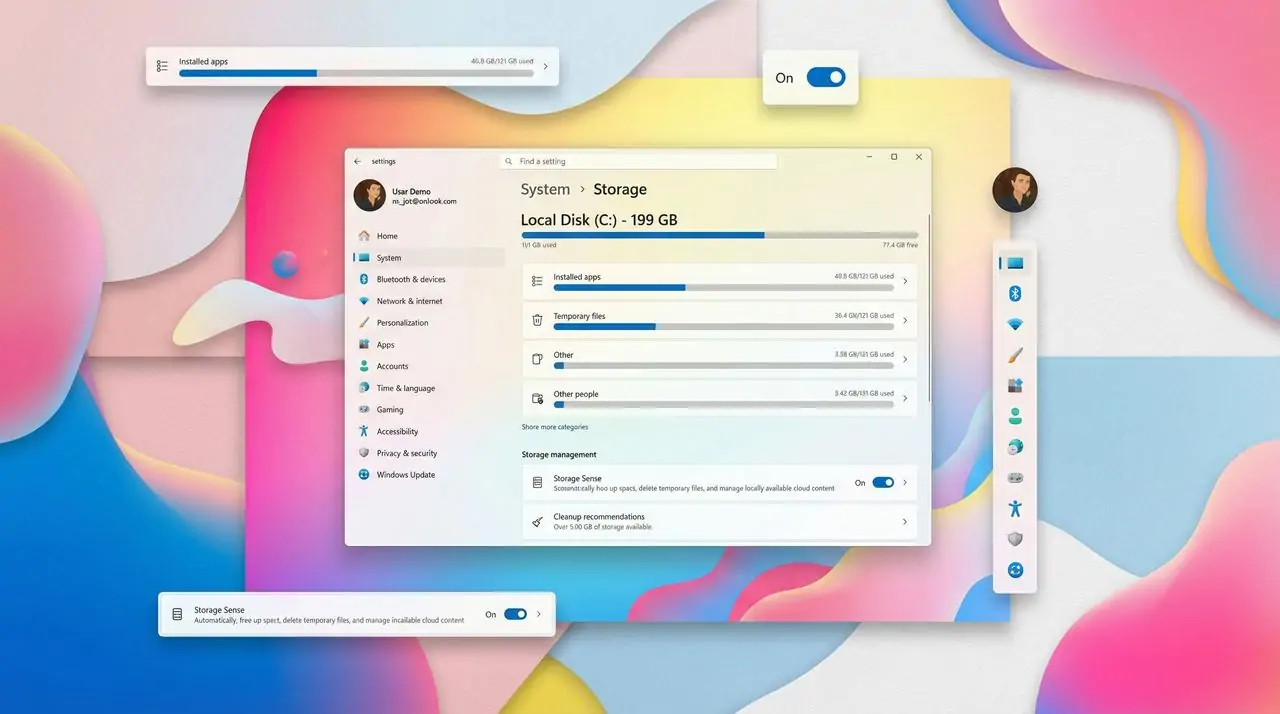
No admin rights? You’re locked out. It’s a jarring change for something that used to be as simple as checking how much space your downloads folder is hogging.
What this means for regular users
For those running admin accounts on their personal machines, the impact is mostly just an extra click confirming you want the Settings app to make changes to your device. Annoying? Sure. But manageable.
Where this really stings is on shared PCs, family computers, work devices, school labs, anywhere people operate under standard user accounts. Students can’t clean up disk space on university computers anymore.
Kids on the family desktop can’t check storage without bothering a parent. Employees on locked-down work machines now need IT approval for basic disk management. Microsoft framed this as protecting system files from unauthorized access, aligning Storage settings with other administrative areas of Windows.
The company says it reduces the risk of malware, background processes, or standard users accidentally deleting critical data. On paper, that sounds reasonable. In practice, it’s turned a maintenance tool into a gated feature.

The change reflects Microsoft’s broader push toward a more locked-down Windows 11, where even viewing system details requires explicit authorization. It’s part of a pattern, over time, more system-level features have been moved behind admin prompts, from Smart App Control to BitLocker settings.
The bug nobody asked for
Here’s where things get messy. Multiple users report that after installing KB5074105, the Temporary Files cleanup feature broke for certain file types. Specifically, Windows Update files and old device drivers no longer show up in the cleanup list, even when you grant admin access.
The page scans in a non-elevated context, so it only lists items a standard user could normally delete. Without an elevated token, Windows just hides the good stuff—the actual system junk taking up gigabytes.
The workaround? Fire up the old-school Disk Cleanup tool, which still works when elevated and can see those hidden files.
It’s functional, but it defeats the whole point of having a modern, unified Settings interface. Microsoft hasn’t said whether they’ll fix this or restore a read-only view for standard users, so for now, Windows 11 users are stuck adjusting their workflow or dealing with the extra friction every time they need to manage disk space.
That’s the scoop on Microsoft’s latest security play. What do you think, necessary protection or annoying overkill? Drop your thoughts and follow Geek Realm Hub on Facebook for more Windows news that actually matters!