



FusionFix just dropped version 5.0, and if you have Grand Theft Auto IV installed on your PC, this update is reason enough to boot it back up. Released on May 2, 2026, this is one of the most substantial updates the mod has ever seen, native ambient occlusion support, a wave of Xbox 360 visual effects restored to the PC version, comprehensive high FPS fixes, and hundreds of script, code, and asset corrections that touch nearly every layer of the game.
For those who don’t know, FusionFix is an open-source mod led by ThirteenAG and a team of over 30 contributors that’s been fixing GTA IV on PC for years. The game’s PC version has always carried a long list of problems, missing graphical effects, physics that broke at high framerates, bugs that never made it into console versions. FusionFix has been the community’s answer to all of that, and v5.0 pushes that mission further than any previous release.
The graphics update Liberty City always deserved
The biggest graphical addition in this update is native ambient occlusion, now accessible directly from the in-game Graphics menu under “Ambient Occlusion.” This is the rendering technique that adds contact shadows between surfaces, the subtle darkness where a wall meets the floor, where a tire presses against the asphalt, where objects actually feel like they exist in a space rather than floating on a flat scene.
The before and after screenshots published on the project’s GitHub page make the difference immediately obvious. Streets, interiors, and character models all gain a sense of weight and depth that the PC version had always been missing.
That’s not the only visual restoration in this release. Vehicle tires and damage now cast shadows from artificial light sources, just like they did on the Xbox 360 version. The Console Gamma option has been extended to apply to the entire screen, making UI elements look more contrasted and matching the original console presentation.
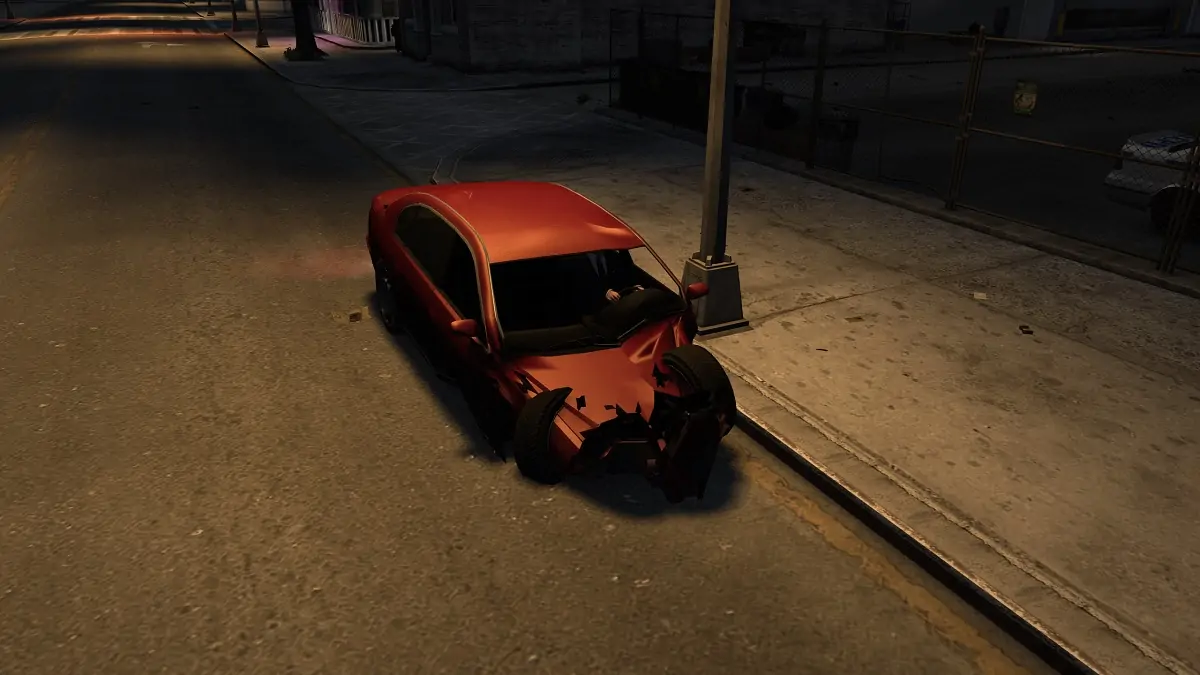
A new .ini option called “EnablePreAlphaDepth,” enabled by default, restores correct depth rendering for Depth of Field and Sun Shafts behind transparent objects, another effect that worked on Xbox 360 but was broken on PC. Rain refraction has also been strengthened back to console levels.
On top of that, a new “ReflectionMSAAQuality” option now applies anti-aliasing to vehicle, water, interior, and mirror reflections, again bringing things closer to what Xbox 360 players experienced. It’s the kind of update that makes you realize just how much visual fidelity the PC version had lost compared to its console counterpart, and how much work this community has put in to get it back.
The high FPS problem gets its most complete fix yet
GTA IV’s relationship with high framerates on PC has been a headache since day one. The game was built around a locked console framerate, and pushing it above 60 FPS on PC triggered a cascade of issues: inconsistent vehicle handling for cars, bikes, and boats, broken Euphoria ragdolls, unpredictable object physics, helicopter rotors that behaved erratically, cutscene cameras that zoomed in at random, and even drunk driving that somehow got harder to control the higher your FPS climbed. Previous versions of FusionFix had only partially addressed all of this.
Version 5.0 takes a much more comprehensive pass at the problem. FPS-dependent physics have been fixed, solving inconsistent handling for automobiles, bikes, boats, and possibly helicopters, along with Euphoria ragdolls and object physics at high framerates. Helicopter-specific problems have also been corrected, rotor animation speed, downwash effect strength, and blinker speed are all now properly handled.
Drunk driving difficulty scaling at high FPS is fixed. Broken player and NPC pathfinding at high FPS is fixed. The stall that happened when players tried to climb ladders at high framerates is fixed.
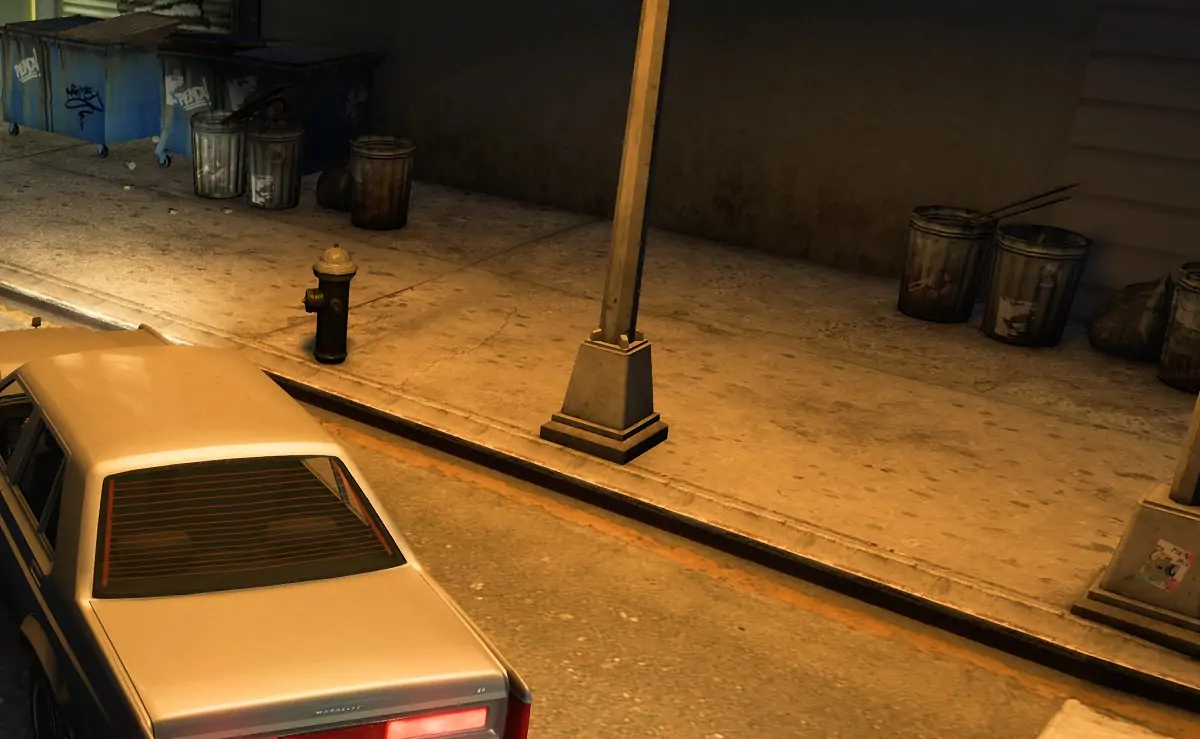
On the cutscene side, the infamous random camera zooming that happened at high FPS has been properly resolved, along with the flickery camera transitions between shots, both issues that simply didn’t exist on console versions of the game. The radar’s 30hz update rate cap has also been removed, with the FPS-dependent zooming that resulted from it fixed individually.
A few quality-of-life improvements round out this section. A new “Disable Wardrobe Transition” option in the Controls menu eliminates all screen fades when switching or buying clothes, making the whole process considerably faster. A new “Instant Stop Taxi” option makes cabs stop immediately after a skipped journey, instead of leaving it up to the driver to decide when to pull over. Several new sliders have also been added to the Controls submenus so players can independently fine-tune mouse and gamepad aim and look-around sensitivity.
Script, code, and asset fixes that add up
Beyond the headline features, v5.0 is loaded with the kind of targeted corrections that quietly make replaying the game feel noticeably better. A serious script bug that caused crashes when The Lost clubhouse memorial wall photos were spawned has been resolved. The inability to give money to beggars, caused by a missing animation on the PC version, has been fixed.
Broken player head models in TLAD and TBoGT have been corrected using models sourced from the console versions. Missing reload audio for the SMG while crouching and the unique reload audio for the Desert Eagle have both been restored.
In The Ballad of Gay Tony, friend respect calculation after completing hangouts has been reimplemented properly, so Armando and Henrique’s respect now increases correctly after Luis hangs out with them. The missing Star Junction Burger Shot radar blip in TBoGT has been restored using an unused blip ID already sitting in the game’s files.
Scripted camera controls have been improved across various situations when using a mouse, including cameras in taxis, during helicopter tours, and when using binoculars. On the assets side, the incorrect TLAD automatic pistol rotation during drive-bys has been fixed, the improper recoil animation for the SMG in TLAD and TBoGT has been corrected, and Luis’ phone model during TBoGT’s intro cutscene has been restored from the console version.
Installing FusionFix v5.0 is simple. Download the zip from the project’s GitHub releases page and unpack its contents into your GTA IV installation directory, where the game’s exe is located. A web installer and an offline installer are also available if you prefer a guided setup. The project is completely free, open-source, and actively maintained by a community that clearly has no intention of abandoning this game anytime soon.
Have you already updated to FusionFix v5.0? Tell us in the comments which fix made the biggest difference for you, we want to know!