

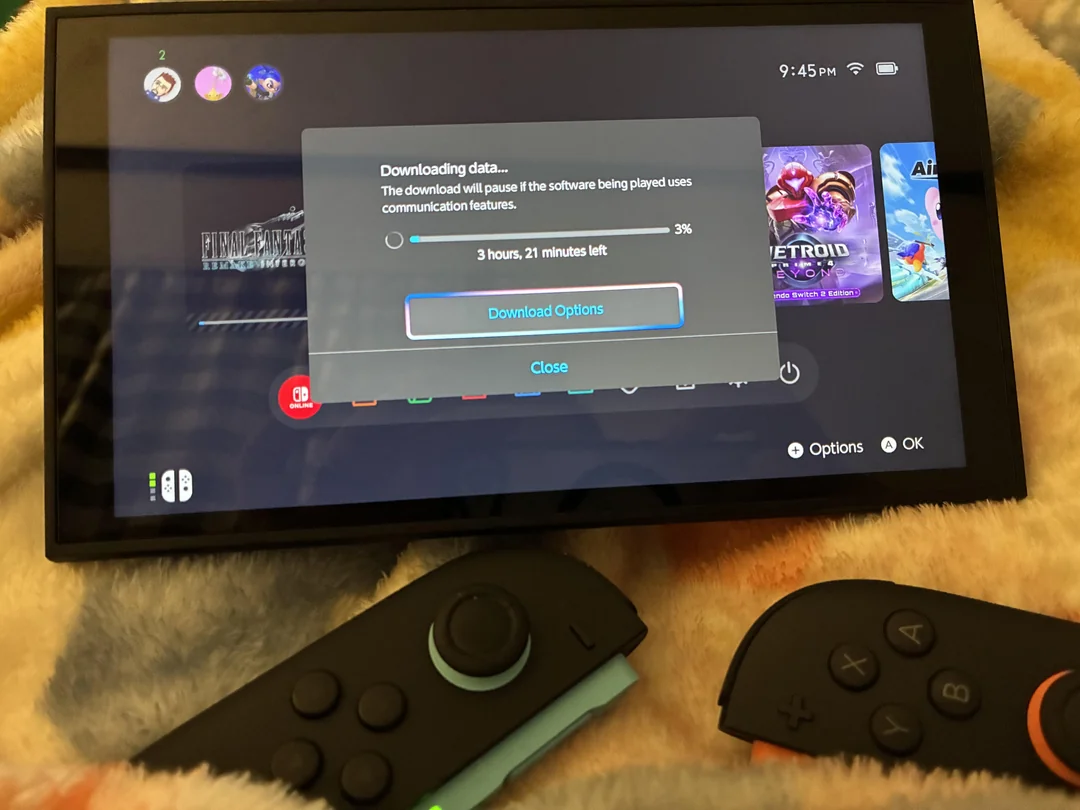

Nintendo Switch 2 owners are running into a familiar problem: painfully slow download speeds. With games getting bigger and Final Fantasy VII Remake Intergrade clocking in at over 87GB, players are spending hours waiting for their digital purchases to install.
But a Reddit user might have just cracked the code with a surprisingly simple fix.
The MTU setting that’s making waves
A Redditor named Potential Ebb5601 dropped what’s quickly becoming essential knowledge for Switch 2 and original Switch owners dealing with sluggish downloads. The solution?
TIL that if you have huge downloads times following these steps usually fix the issue.
Go to Settings.
Internet.
Internet Settings.
Select your Internet Connection.
Change Settings.
Scroll down until you see MTU.
Change MTU to 1500.
Click save.https://t.co/IEAc1pm0s7 pic.twitter.com/sy95u9PcqI— Kābī (@KirPinkFury) January 24, 2026
Head into your network settings and manually adjust the MTU (Maximum Transfer Unit) value to 1500. That’s it. No complicated router configurations, no DNS changes, just a single number tweak in your console settings.
“If you haven’t already, you should change the internet connection settings, change MTU to 1500 and hit Save. It will allow a faster download speed and sometimes fixes games not finishing their installs“, the user explained in their post.
The timing couldn’t be better. Final Fantasy VII Remake Intergrade just launched on Switch 2 this week as one of the heftiest titles available for Nintendo’s new console.
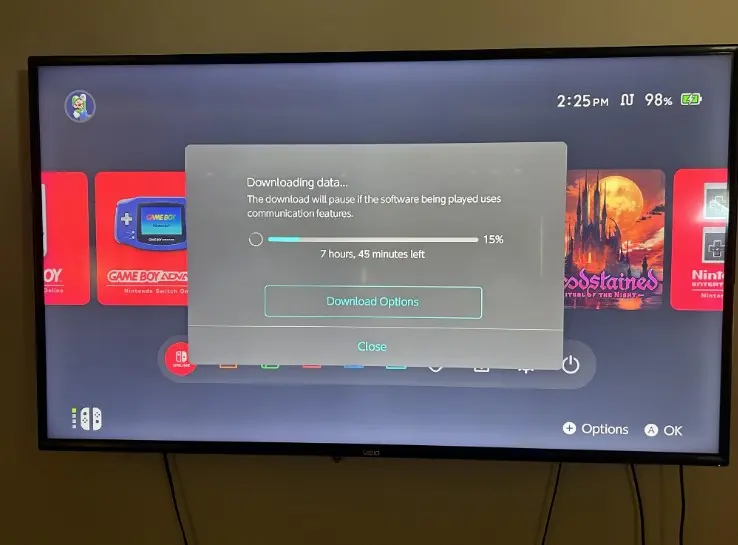
Players grabbing the digital version are facing marathon download sessions, and forums are lighting up with complaints about transfers taking way longer than expected. Sound familiar? Original Switch owners dealt with this headache for years.
Does it actually work?
Here’s the thing: it seems to genuinely help. Players who followed Potential Ebb5601’s advice are reporting noticeable improvements, though results vary depending on individual network conditions. The comments section turned into a thank-you parade, with users grateful they didn’t have to dive into complex network troubleshooting.
The technical explanation makes sense too. MTU controls the maximum size of data packets traveling through your network without fragmenting.
Set it too high, and packets break apart, killing performance. Too low, and your console sends more packets than necessary, creating overhead that slows everything down. The sweet spot of 1500 appears ideal for Switch downloads, Nintendo even recommends this exact value on their official support page.
Changing the MTU is straightforward. From the HOME menu, select Console Settings, then hit Internet Settings followed by Connection Settings. On the connection settings screen, pick the connection file you want to edit and select Modify Settings. Use the right arrow to navigate, then select MTU Value. Tap the back arrow to clear the existing data, then use the number pad to enter your new MTU value. While 1500 works for most wired connections, DSL users might want to try 1492 instead. Once you’ve entered the value, select OK to return to the connection editing screen, hit Save, then OK again. Finally, select Test to run a connection test and confirm everything’s working properly.
With Switch 2 games only getting larger and digital purchases becoming the norm, this little adjustment could save players serious frustration down the line. Worth a shot if you’re tired of watching progress bars crawl.
Want more gaming tips and tech news? Follow Geek Realm Hub on Facebook and stay plugged into everything geek!