


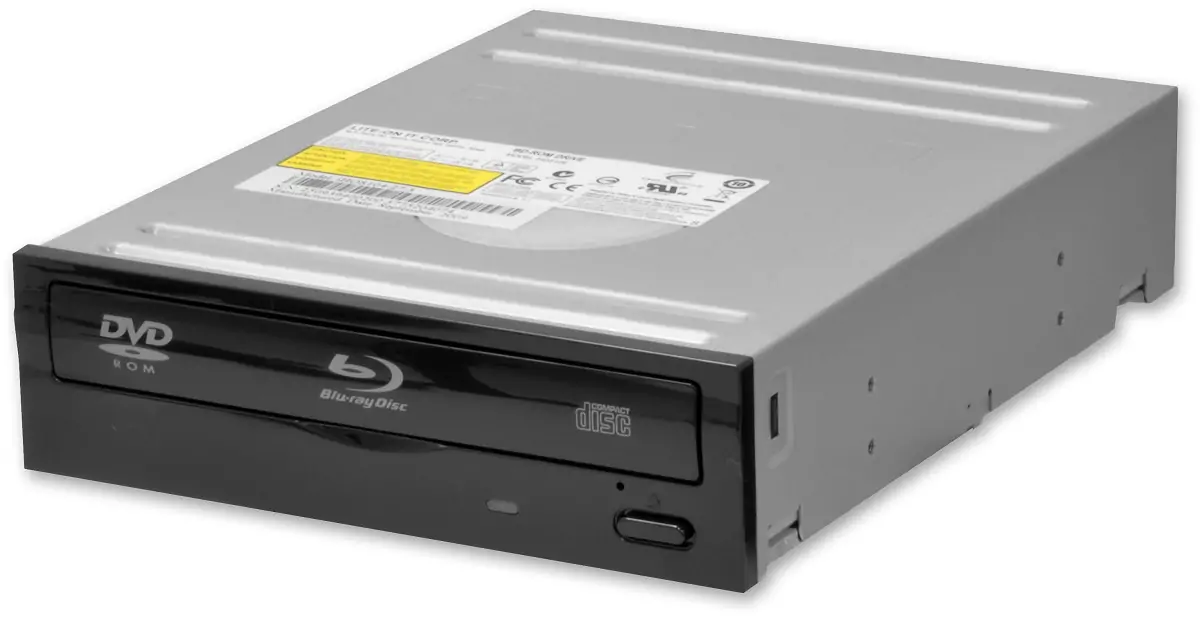
On February 18 a developer known as RibShark released OmniDrive, a custom open-source firmware for Blu-ray drives based on MediaTek’s MT1959 chipset, manufactured by Hitachi-LG Data Storage.
The project has quickly earned a strong recommendation from the Redump preservation community, becoming the new standard for disc dumping and directly replacing the old custom ASUS BW-16D1HT firmware that Redump had recommended since 2022.
The firmware is fully open source and hosted on GitHub and it has already made waves among retro collectors and preservation enthusiasts worldwide. The timing couldn’t be better. Optical drives inside aging consoles have had decades to deteriorate, and for anyone sitting on a physical collection of GameCube, Wii, or original Xbox games, the window to preserve them is getting narrower every year.
OmniDrive offers a practical, PC-based solution that doesn’t require modding a console or hunting down specialized hardware, just a compatible Blu-ray drive and the right firmware.
A firmware that unlocks what your drive was never supposed to read
Standard Blu-ray drives are designed to handle Blu-rays and DVDs. Consoles like the GameCube, Wii, and original Xbox use proprietary disc formats that regular drives simply cannot read out of the box, which has always made preservation of those libraries complicated, and in some cases effectively impossible with conventional tools. The go-to workaround for years has been a modded console, but that approach depends entirely on aging hardware that is increasingly unreliable.
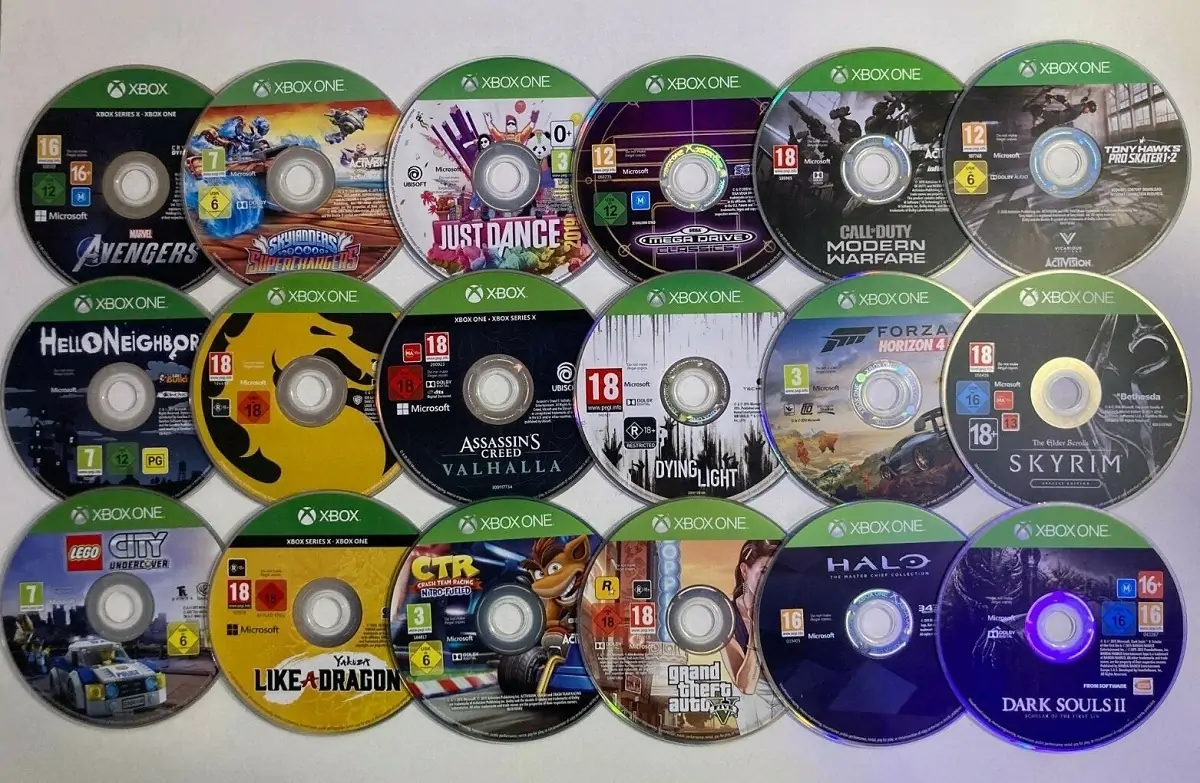
OmniDrive changes that by flashing compatible drives with a custom firmware that unlocks the ability to read those proprietary formats. Beyond enabling lead-out reading on CDs, OmniDrive allows dumping game discs previously unreadable by stock firmware, including GameCube, Wii, Xbox, Xbox 360, Xbox One, and Xbox Series X titles.
It also enables raw DVD and BD reading, lead-in and lead-out reading for DVDs and BDs, and includes a force unit access option that improves the accuracy of disc dumps. It can produce raw backups or playable digital copies, and works best with GameCube, Wii, original Xbox, and Xbox 360 titles.
PlayStation 3, PlayStation 4, PlayStation 5, Xbox Series, and Wii U discs can also be read with OmniDrive, though those will remain encrypted. So while full playable dumps of more modern platforms aren’t on the table yet, the fact that a single flashed PC drive can reach this far across console generations is already a significant achievement for the preservation scene.
How to know if your drive is compatible
OmniDrive currently has two firmware versions available: a modification of the ASUS BW-16D1HT 3.02 firmware, and a modification of the LG BU40N 1.00 firmware. In theory, any drive manufactured by HLDS using the MT1959 chipset may be compatible, though the Redump Wiki notes this cannot be guaranteed for all possible configurations.
The easiest way to check is through MakeMKV, the popular app for backing up movies from DVDs and Blu-rays, its start screen displays the drive’s model number and chipset as soon as it boots up. If it reports an MT1959 chipset, the drive is likely compatible. If it shows MT1939, it won’t work with OmniDrive.
Among the confirmed compatible models are the Asus BW-16D1HT, Asus BC-12D2HT, LG WH14NS40, and LG BH14NS40, though compatibility also depends on the manufacturing date and PCB revision of each specific unit, not just the model name. Half-height desktop drives based on the JB8 platform can be cross-flashed to the ASUS 3.02 firmware, while newer slim LG drives from 2015 onward are compatible with the BU40N version.
Before flashing anything, it’s worth stressing that doing this incorrectly can permanently brick the drive. The Redump Wiki and the VGPC Discord are both strongly recommended resources to consult before starting the process. Once the firmware is installed, Redumper (build 702 or later) and MPF (version 3.7.0 or later) have both been updated to fully support OmniDrive features.
For anyone who wants a step-by-step visual guide, YouTuber Ryan from Archades Games has posted a detailed walkthrough covering OmniDrive installation and disc backup using MPF.
One drive, multiple console generations
What makes OmniDrive particularly valuable is how much it consolidates into a single piece of hardware. Before this firmware existed, a serious preservation effort might have required a modded Wii for Nintendo discs, a separate setup for original Xbox titles, and a standard Blu-ray drive for everything else. Now, one compatible drive can potentially handle all of it.
RetroRGB tested OmniDrive on an Asus BW-16D1HT and successfully dumped a PlayStation 2 game, while the drive retained its UHD Blu-ray ripping capability without any issues. That’s a critical point, the firmware adds new functionality without removing anything the drive could already do. Collectors and preservationists essentially get a hardware upgrade through software alone.
The retro gaming and preservation community has been pushing hard to keep physical media alive in digital form before hardware failures make it impossible, and OmniDrive represents a genuinely meaningful step forward in that effort.
With a growing list of compatible drives, full open-source code available on GitHub, and strong backing from the Redump community, this firmware is likely to become a standard tool in any serious collector’s setup. If there’s a compatible Blu-ray drive sitting unused in a PC tower somewhere, this is a very good reason to put it back to work.
Got a stack of GameCube, Wii, or Xbox discs you’ve been meaning to preserve? Have you already tried OmniDrive? Tell us how it went in the comments!