

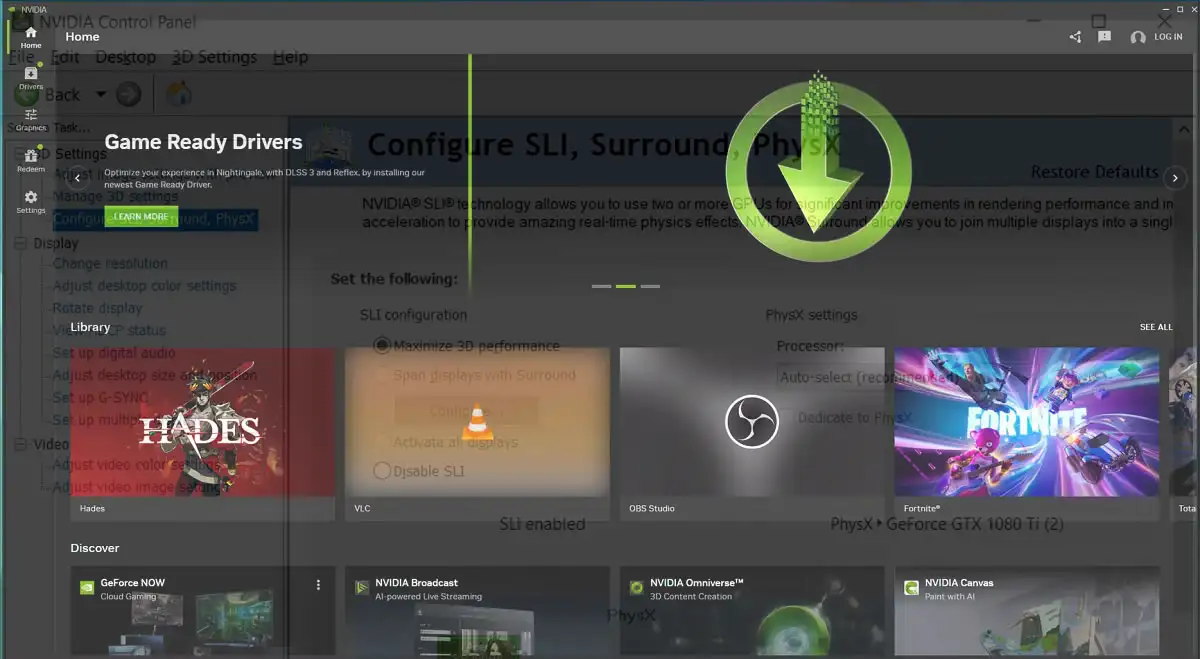

If you’ve been gaming on PC for a while, you know the drill, install new NVIDIA drivers, right-click the desktop, open the Control Panel, start tweaking. That ritual is officially dead. Starting with the GeForce Game Ready driver package 610.47, released on May 26, the classic NVIDIA Control Panel is no longer included with the software. Twenty years, and just like that, it’s gone.
NVIDIA’s own statement in the driver notes says it clearly: “After 20 years of dedicated service, the classic NVIDIA Control Panel is officially retiring for Game Ready and Studio Drivers.” No gradual phase-out, no long goodbye, just a driver update and it’s done.
The tool that survived two decades of PC gaming
The NVIDIA Control Panel was never pretty, and that was kind of the point. The interface was stubbornly dated, heavily resembling an old Windows XP control panel, but it offered reliable, granular control over everything from anisotropic filtering to vertical sync. It was boring, predictable, and it always worked.
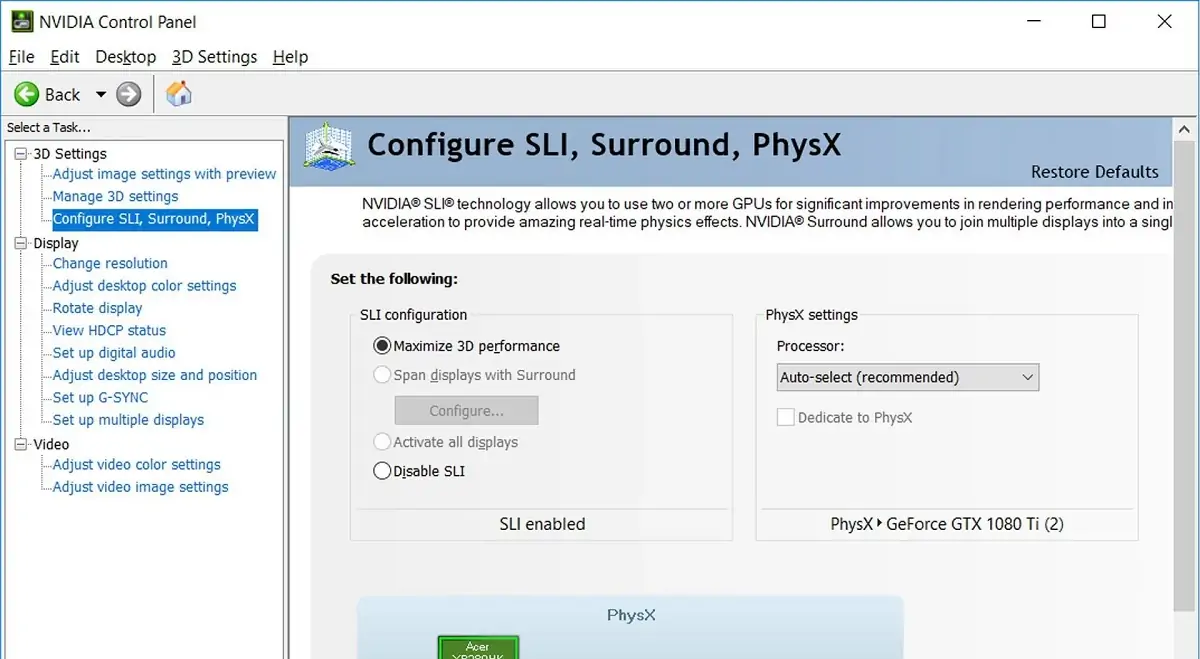
For twenty years it was the go-to spot for managing multi-monitor setups, overriding per-game graphics settings, calibrating display colors, and fine-tuning 3D rendering options that games didn’t expose natively. Every PC gamer with an NVIDIA card went through it at some point. It was just part of the experience.
The Control Panel will now live in “maintenance mode” for the foreseeable future. No new features, no bug fixes, no updates. It’s officially on life support.
What the NVIDIA App actually brings to the table
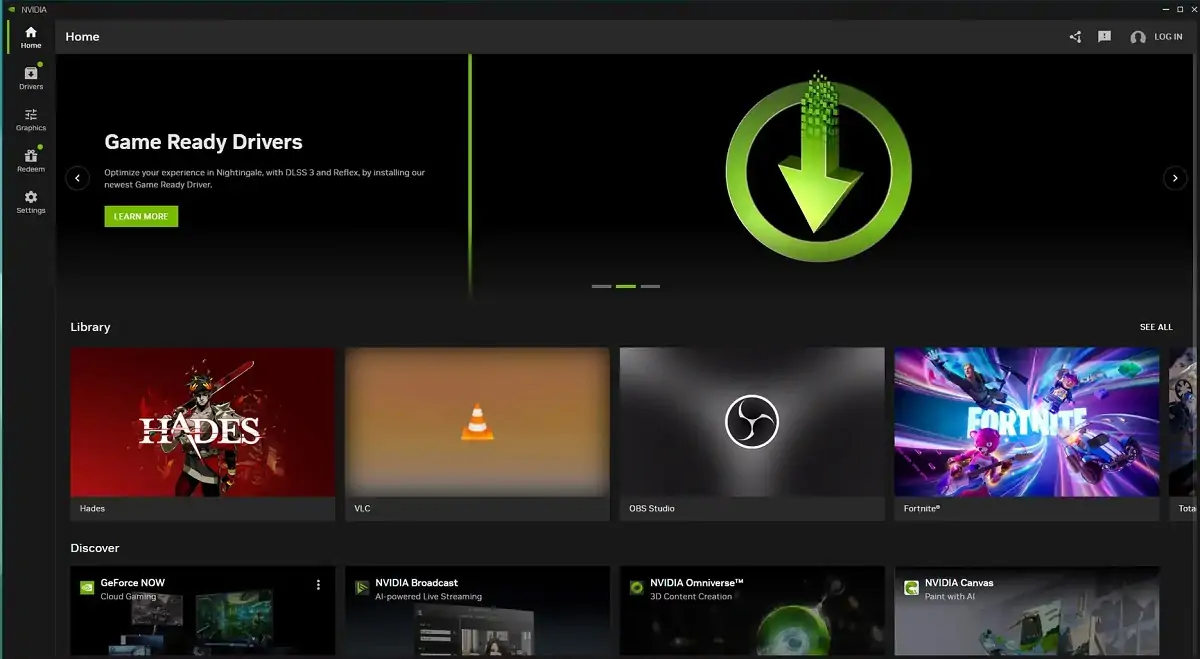
The replacement has been in the works for a while, and it’s a significant step up in terms of what it can do. The NVIDIA App combines the features of both GeForce Experience and the Control Panel into a single interface, and users no longer need to log into an NVIDIA account to access driver updates and features. That alone was a pain point for years.
The new app replaces the aging interface with a cleaner, more modern aesthetic, merging the old Control Panel and GeForce Experience into a single central command center to optimize games, record gameplay, and update drivers. But the real additions go beyond just reorganizing old settings under a new coat of paint.
The NVIDIA App now offers a global DLSS override, letting you set DLSS preferences for all supported games at once, something the old Control Panel simply couldn’t do. Settings like anisotropic filtering, anti-aliasing, and ambient occlusion are now built into the app, eliminating the need to switch back to the old panel for optimizing classic games. The Surround setup tool is also included.
The app also introduced Project G-Assist, an AI assistant that runs locally on GeForce RTX AI desktop PCs, helping users control PC settings, optimize games, chart frame rates and key performance stats, and even control select peripheral settings, all through voice or text commands. It’s a feature that would have felt completely out of place in the old Control Panel era.
On top of that, the app includes a built-in overlay with screen recording, FPS counter, screenshot sharing, GPU monitoring, and overclocking tools, features that previously lived in the separate GeForce Experience app. Everything is now under one roof.
What happens to your old Control Panel
Here’s where it gets a little nuanced. Existing Control Panel installs will remain on users’ systems, the old panel will only disappear after a clean driver installation. So if you haven’t done a fresh install yet, it’ll still be sitting there for now.
Users who want to keep it can still download it from the Microsoft Store, but NVIDIA will no longer add new features, bug fixes, or performance updates. You can use it, but you’re on your own from here.
There is one exception worth noting. RTX PRO GPU users on the professional driver branch will continue to receive Control Panel support until all enterprise features have been fully migrated to the NVIDIA App. Professional users get a little more runway, but the destination is the same for everyone eventually.
The reaction from the community has been split, as you’d expect. Some users miss the simplicity and directness of the old panel. Others point out that everything they need, and then some, is already in the new app. Both sides have a point.
What’s hard to argue with is that twenty years is a remarkable run for any piece of software in the gaming industry. The NVIDIA Control Panel made it from the Windows XP era all the way to DLSS 4 and path tracing, and that’s genuinely impressive. Now it’s time to move on.
Are you going to miss the old Control Panel, or have you already made peace with the NVIDIA App? Drop your take in the comments!