

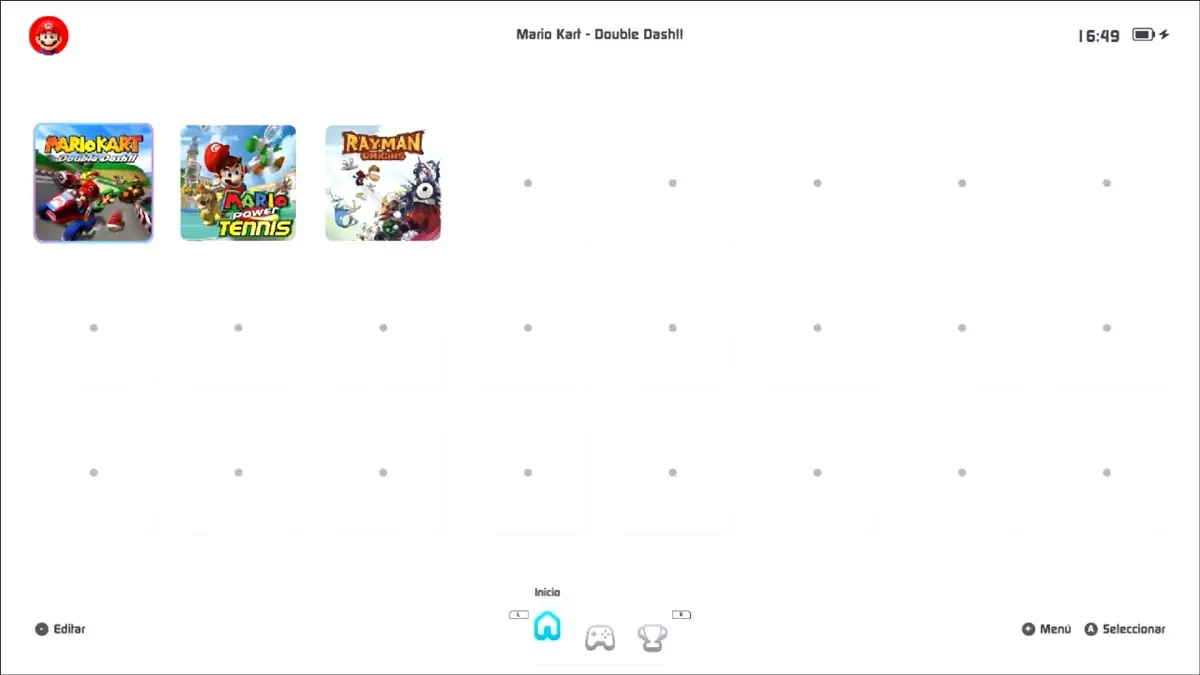

The Nintendo Switch homebrew scene just hit a major milestone. A project called tico released its alpha 0.7.0 update this week, bringing GameCube and Wii emulation to the Switch’s native Horizon OS for the first time, completely bypassing the need to install Android or Linux on the console.
Until now, anyone wanting to run GameCube or Wii titles on their Switch had no choice but to go through Switchroot, an involved process that installs Android or Linux on the device and then runs Dolphin from there. The overhead of running an entirely separate OS in the background hurt performance and made the whole setup cumbersome.
With tico 0.7.0, the Dolphin emulator core runs directly on Horizon OS via Custom Firmware, letting users launch GameCube and Wii games without ever rebooting into a different operating system.
It’s worth clarifying what “natively” means here. The Switch hardware is not running GameCube code as if it were a native Switch title, the games are still being emulated. The “native” part refers to the OS layer: Dolphin now runs on Horizon directly, not through Android or Linux as a middleman.
What is Tico, exactly?
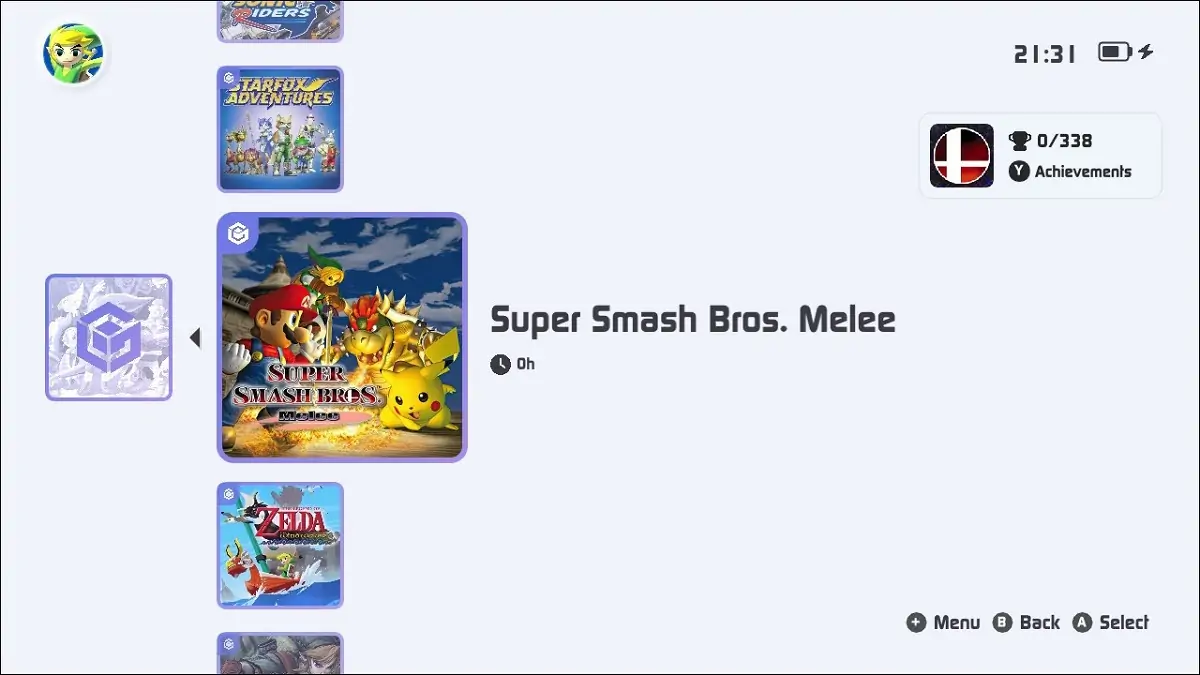
Beyond the GameCube and Wii news, tico is a full custom emulation frontend built from the ground up in native C++ for the Nintendo Switch. The idea behind it is to strip away all the usual friction: no manual file browser navigation, no scattered configuration menus, no core installation headaches. Instead, tico automatically organizes game libraries, fetches metadata, and launches emulator cores with zero configuration required.
The interface is controller-first and designed to feel like an actual console UI rather than a PC tool.
Platform support is already extensive. Prior to 0.7.0, tico covered Dreamcast, Game Boy, Game Boy Color, Game Boy Advance, Game Gear, Master System, Mega Drive, NES, PlayStation, PSP, Sega CD, Sega Saturn, and SNES. RetroAchievements support is also built in, letting users track progress and earn achievements across supported platforms without leaving the app.
GameCube and Wii, powered by the Dolphin core, are the newest and most demanding additions to that lineup.
What to expect from the Dolphin core right now
The developers are upfront about this being alpha software pushing the Switch hardware hard. To make Dolphin run at all, tico enables boost mode by default, pushing the Tegra X1 chip to 1785 MHz CPU and 768 MHz GPU. The team states these values are within safe limits, but recommends keeping an eye on device temperature.
Clock speeds can be adjusted using sys-clk, though some games won’t behave correctly at lower values, Luigi’s Mansion, for example, failed to get past its first cutscene at reduced clocks.
Instability and crashes are expected in this initial release. Some games may also fail to launch on the first attempt. Before the Dolphin core even appears in the tico interface, users need to enable it manually through a new Experimental tab in Settings and create the appropriate GameCube and Wii ROM folders on their SD card.
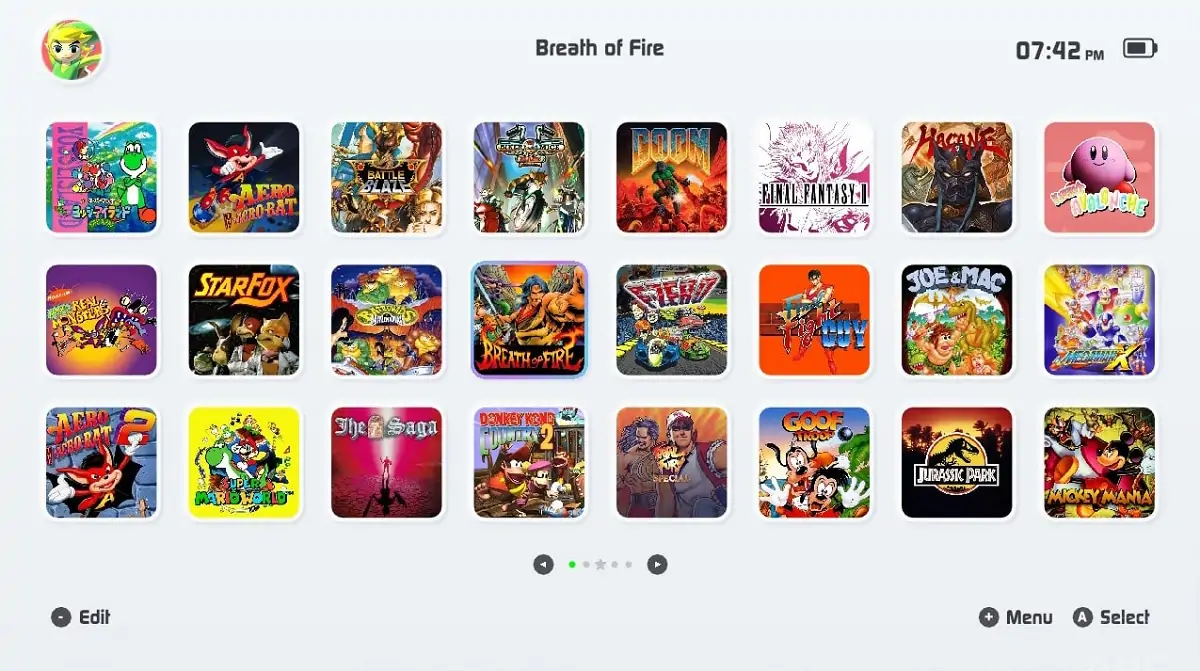
Early compatibility results are a mixed bag, though several notable titles are already running. Super Smash Bros. Melee works with shader compilation stutter on first load. Mario Kart: Double Dash behaves similarly. The Legend of Zelda: The Wind Waker is playable but slows down in open areas, while indoor sections run smoothly. Eternal Darkness has a rough first nightmare scene but becomes playable afterward. Titles like The Legend of Zelda: Twilight Princess, FIFA Street 2, and Rayman Origins are also reported to run well.
The tico team says fixes and updates will roll out continuously through the app’s built-in updater, with a full compatibility list being compiled to track how games perform. The project is free, available on GitHub, and has an active community Discord. A CFW-enabled Switch is required, tico will not run on stock firmware.
What do you think, are you excited to run GameCube and Wii classics on your Switch without the Android drama? Let us know in the comments!